Scripting
Customize a solution to meet your specific needs
Cogent DataHub™ software comes with Gamma, a powerful scripting language that helps you customize a solution that gets the job done. Whether you need to run a script every time a specific value changes, or you need to build a custom window so that operators can enter data, the DataHub scripting feature will help you do it.
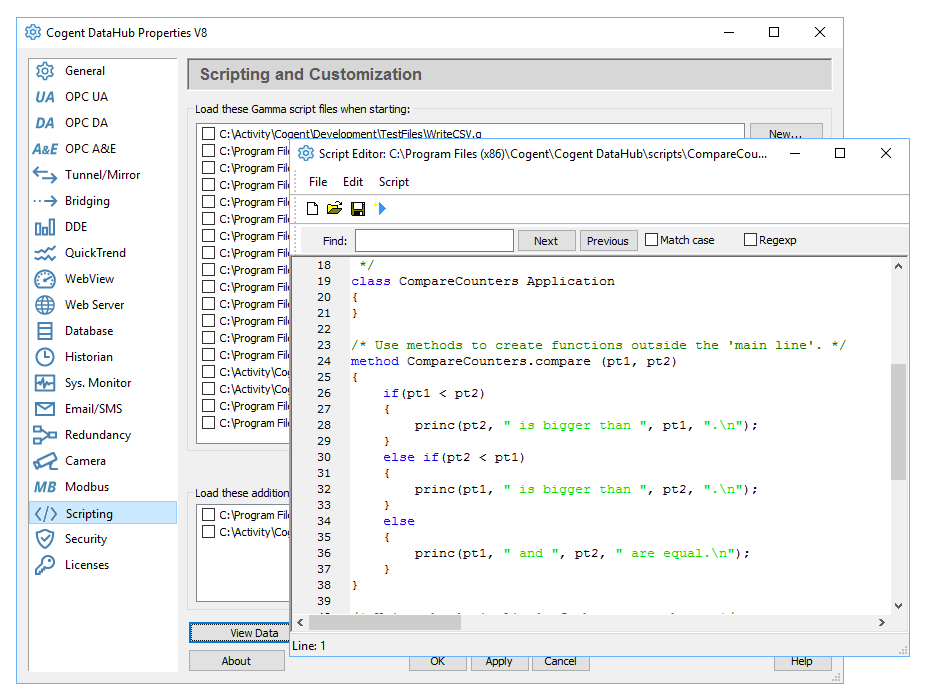
DataHub scripting features
- Attach code to specific data points so the script runs whenever the point value changes.
- Support for Perl-compatible regular expressions allows you to do easy search and replace on strings with very sophisticated pattern matching.
- Support for XML encoding allows you to read and write XML directly from script calls.
- You can convert XML to instances in Gamma script classes, which allows you to work conveniently with the results from reading XML as classes and class references.
- A convenient API reduces the amount of work a developer has to do to work with XML files.
- Create alarm condition scripts and have them display warning messages to the user.
- Build custom dashboards and summary displays directly in Gamma scripts to create self contained DataHub applications.
- Create Excel readable log files from your live data by running logging code on a timed interval, or whenever a point change occurs.
- Connect to ODBC compliant relational databases to extract data as well as create records from live data.
- Apply linear transforms on data as it passes through the DataHub (for example change a temperature reading from Celsius to Fahrenheit).
- Create full OPC Server simulation programs in Gamma to test systems before you connect to production systems.
More Information
- Read more about OPC Scripting.
Scripting is part of the DataHub Core, and is thus available in all Products.


